


Quick Login
Want an easier way to log in? We thought so. Skip entering your username, password, and security question every time, just use one of these smarter login options instead:
- PIN – Create a simple 4-digit PIN to access your account in seconds.
- FACE – Use the face recognition from your phone to login.

HOW TO ENROLL FOR QUICK LOGIN:
Enroll for Quick Login:
Step 1- Download the Mobile App & open it.
Step 2- Login to your account.
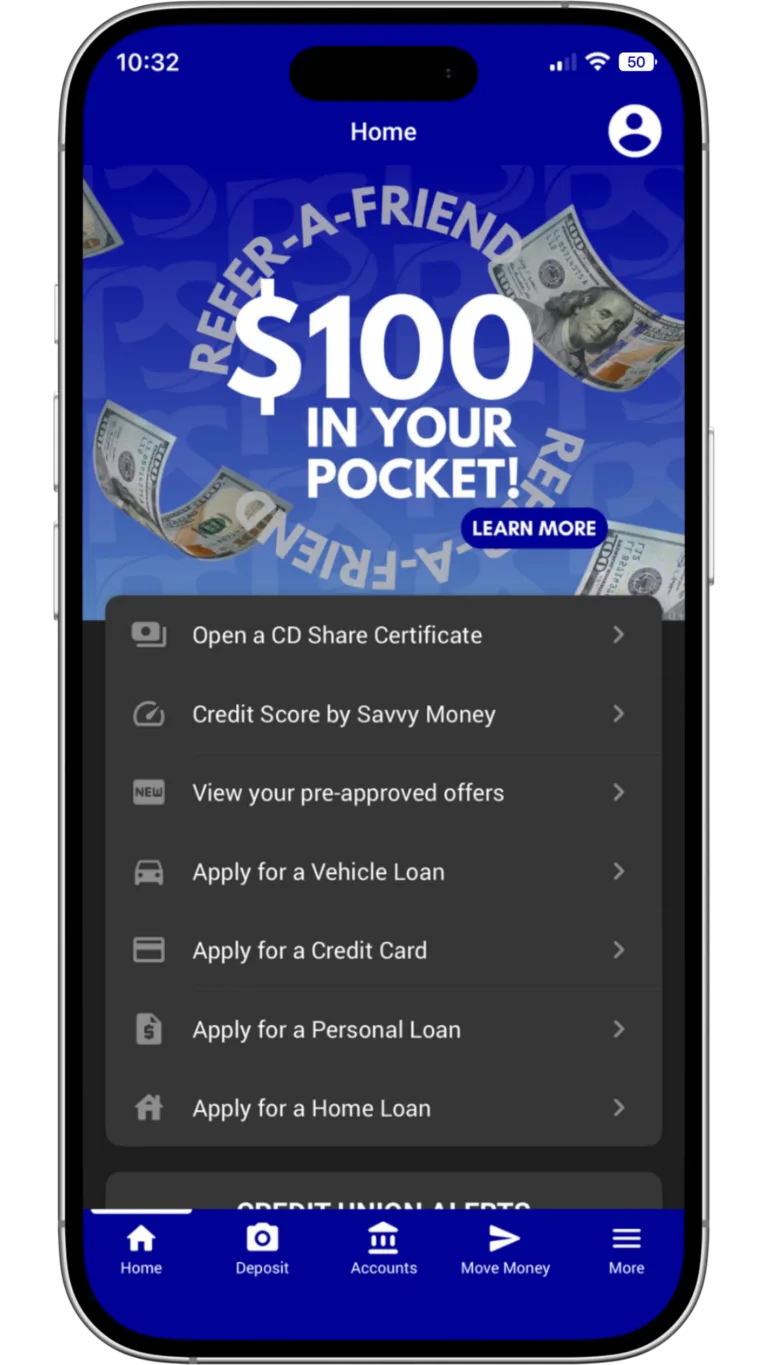
Step 3- Click the profile picture in the top right corner.
Step 4- Scroll down and tap Authentication Options.
Step 5- Select the authentication option you’d like to use and follow the instructions to enroll.
DOWNLOAD THE PSCU MOBILE APP



Why wait? Download the It’sME247 mobile banking app. Secure, seamless, and available 24/7.
Need a walkthrough? Watch the HOW TO LOGIN video.