


Mobile App
mypscu Mobile App
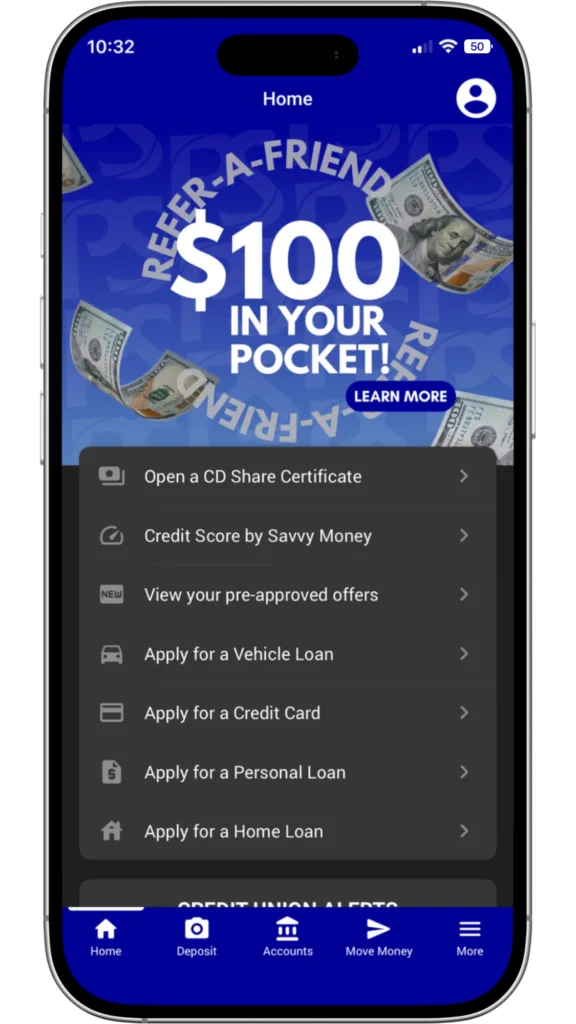
Our mobile app is here, and it’s a good one. It’sME247 mobile banking gives you a secure, convenient way to access your Public Service Credit Union accounts anytime, anywhere. Click the links to the Google Play and Apple App Store to download it and check it out for yourself. Need a hand getting started? Watch our HOW TO LOGIN video.
Quick Login
Want an easier way to log in? We thought so. Skip entering your username, password, and security question every time, just use one of these smarter login options instead:

- PIN – Create a simple 4-digit PIN to access your account in seconds.
- FACE – Use the face recognition from your phone to login.



Mobile Check Deposit
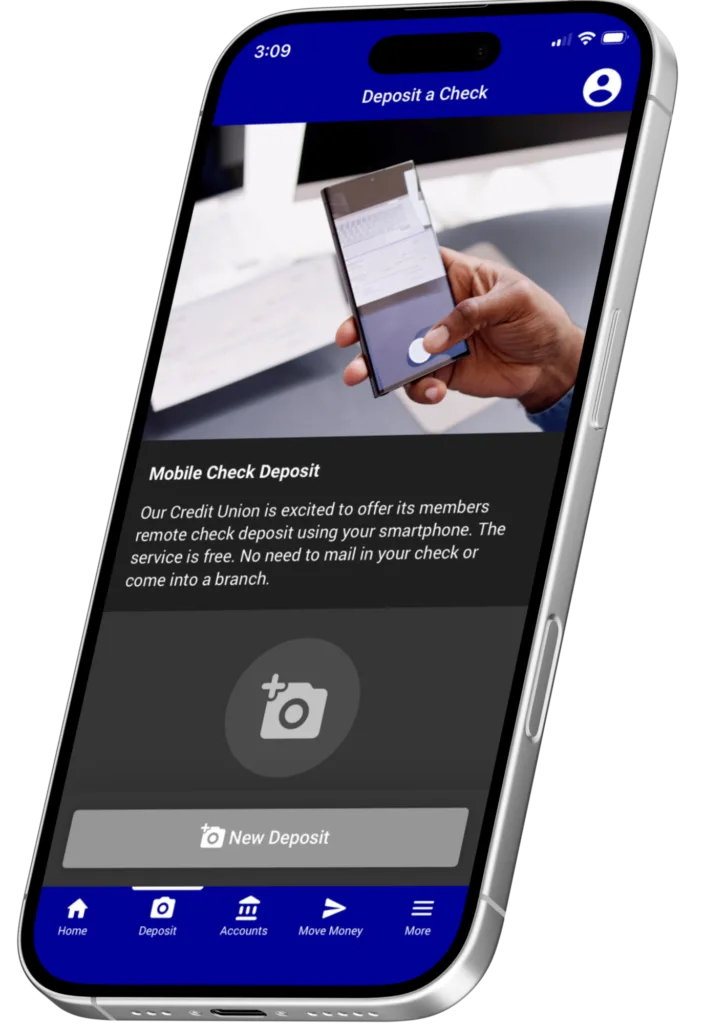
Mobile Check Deposit lets you deposit a check into your account by taking a picture of it with your smartphone or tablet using our mobile app. You can also view a 30-day history of the checks you’ve deposited through the mobile app. To get started open your mobile app, tap Move Money, then Deposit Check.
Manage Your account
Send a text and get account info instantly.
Why call or log in when you can just text your credit union? Send a text and get an instant reply with your account balances, transfer money between accounts, and more. All it takes is enrolling in text banking, then sending a text to IM247 (46247). To get started, log in to your account, then head to: Online – the GO MOBILE menu. Mobile – the MORE menu.
Be notified when changes happen on your account.
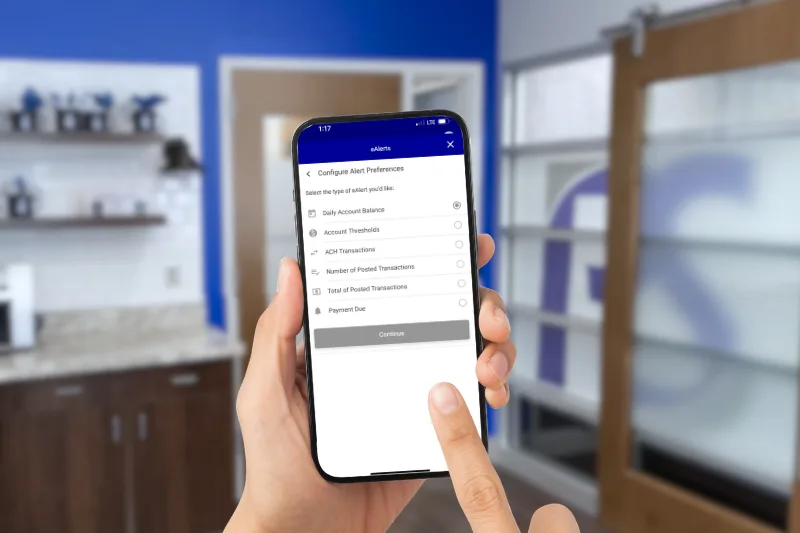
Why check your account when it can find you first? eAlerts are automatic texts or emails that notify you the moment something happens, deposits, tax returns, upcoming loan payments, you name it. Set your own triggers, set your own limits, so you can stop wondering and start knowing. Own your future with eAlerts.
- Daily Account Balance
- Account Thresholds
- ACH Transactions
- Number of Posted
- Transactions
- Total of Posted Transactions
- Payment Due
Control your cards with a tap.
Lock and unlock your cards whenever you want, right from your mobile app. Lost your card? Lock it instantly and shut anyone else out. Found it? Unlock it just as fast. You can even set up alerts to know the moment your card is used, helping stop fraud before it starts. To get started, open your mobile app, tap More in the bottom right, then Manage My Cards.
move money
Get paid up to two days early.
Get your paycheck and other ACH deposits early with ACH Instant Deposit. Log in to your account online or through the PSCU Mobile App, then click ACH Transactions from the My Accounts menu. Any deposits available for Instant Deposit will be right there waiting for you. For a $5 convenience fee, we’ll post your deposit early, along with all the normal distributions that come with it. Try it today… your pay is just a click away.
Pay bills and people, securely.
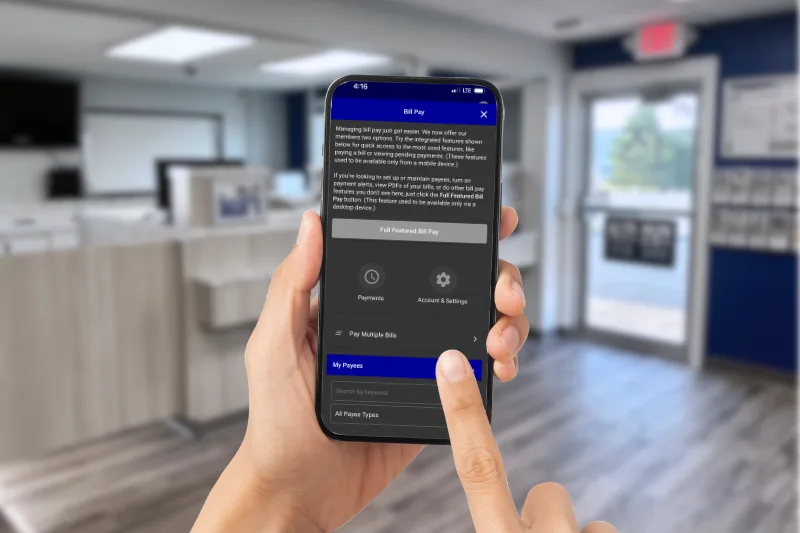
Bill Pay is the smarter way to pay your bills — all from one secure website, with no more handwritten checks, envelopes, or stamps. Research has even shown that online bill pay is significantly safer than mailing checks. Looking for a simpler way to pay? Log in to online banking to enroll in Bill Pay today.
Easily transfer between financial institutions.
Thanks to our smartphones and cash transfer apps (also called P2P or peer-to-peer apps), we can pay our friends and family instantly!* You can also easily move money between two different financial institutions. There’s no need for cash or checks with apps like Venmo, Cash App, Zelle, or PayPal!
Cash transfer apps are making it really easy to:
- Split a restaurant bill
- Make a loan payment
- Go in on a gift
- Pay a babysitter
- Pay your landlord rent
*Public Service Credit Union is in no way affiliated, endorsed or associated with any cash transfer applications. PSCU makes no recommendations on the app you choose to use and is not responsible for any charges, discrepancies, or fees associated with using cash transfer apps. PSCU recommends researching all cash transfer applications to determine which app is best for your personal needs.
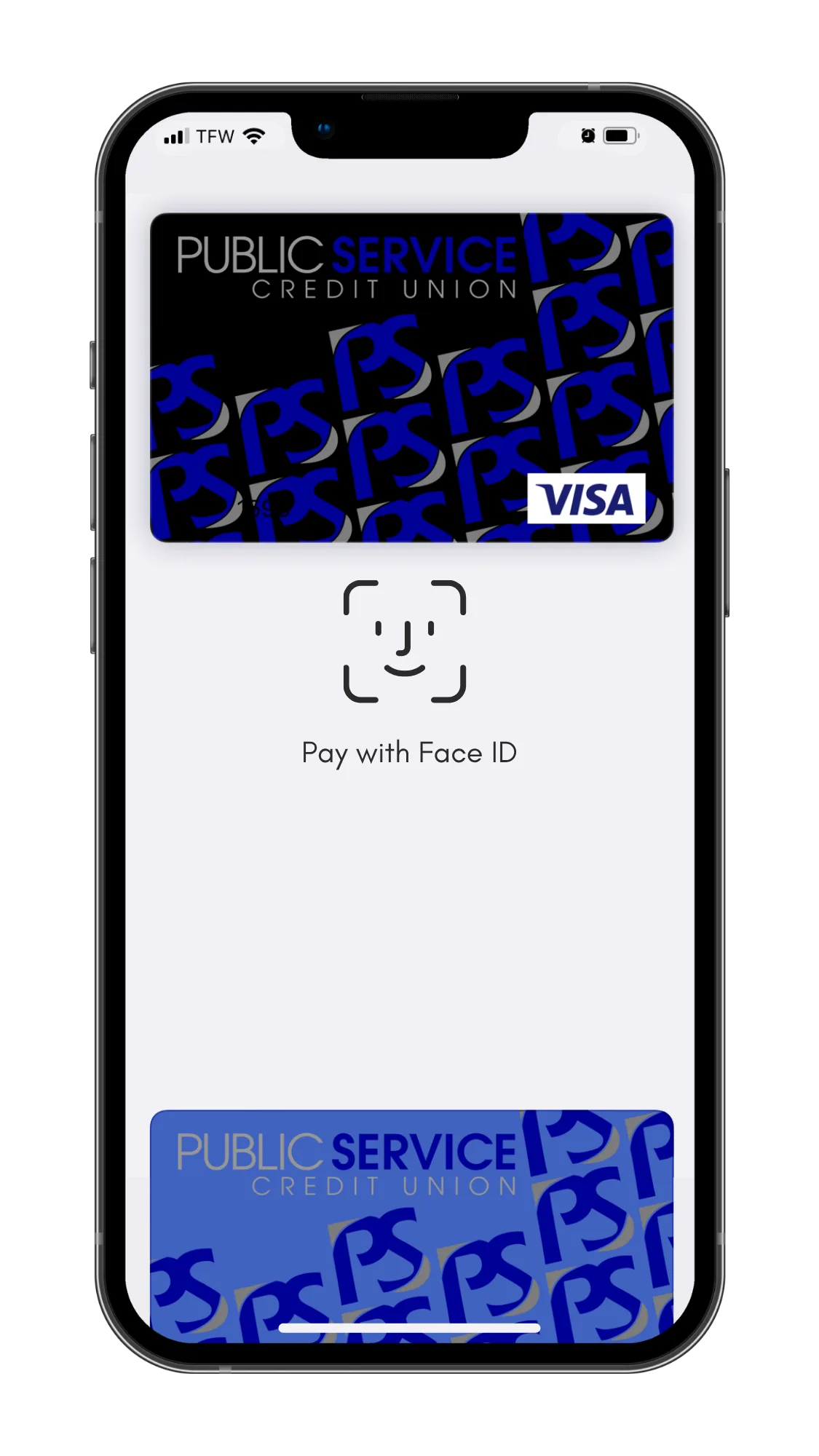
Digital Wallet
Leave your wallet at home. Add your PSCU debit or credit card to Apple Pay, Google Pay, or Samsung Pay and check out with a tap — in store or online.
MANAGE YOUR MONEY